Dennis Deacon

Testing Methods: Motion Actuation

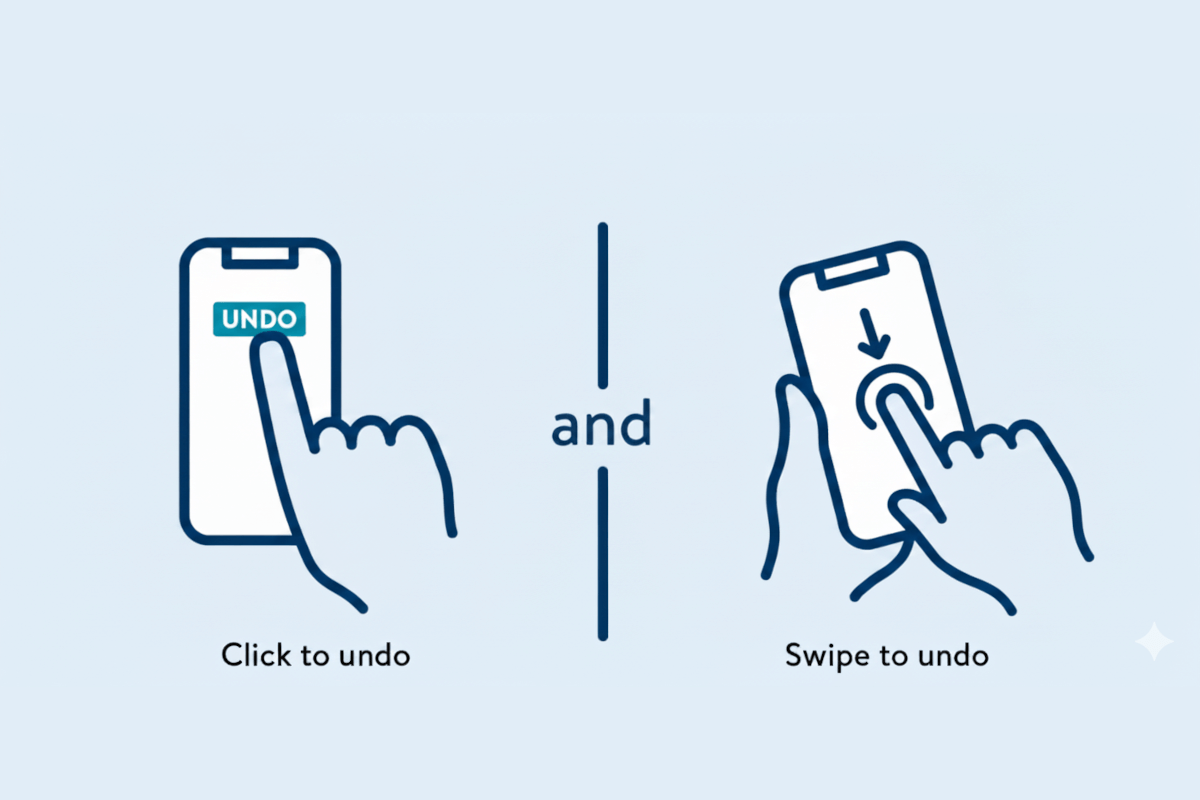
A mobile device onthe left with an Undo button, and a gesture to swipe down to undo

WCAG 2.5.4 Motion Actuation ensures users can interact without motion gestures. A hybrid testing approach, combining automated, AI-based, and manual testing, delivers comprehensive coverage, identifying technical gaps, contextual barriers, and real-world usability issues for full accessibility.

Read more about Testing Methods: Motion Actuation

Testing Methods: Label in Name

A green button with the text Confirm Selections in white

WCAG 2.5.3 ensures visible labels match programmatic names, making interfaces perceivable and understandable for all users. A hybrid testing approach, combining automated, AI-based, and manual testing, provides comprehensive coverage, catching both structural and contextual accessibility issues.

Read more about Testing Methods: Label in Name

Testing Methods: Pointer Gestures

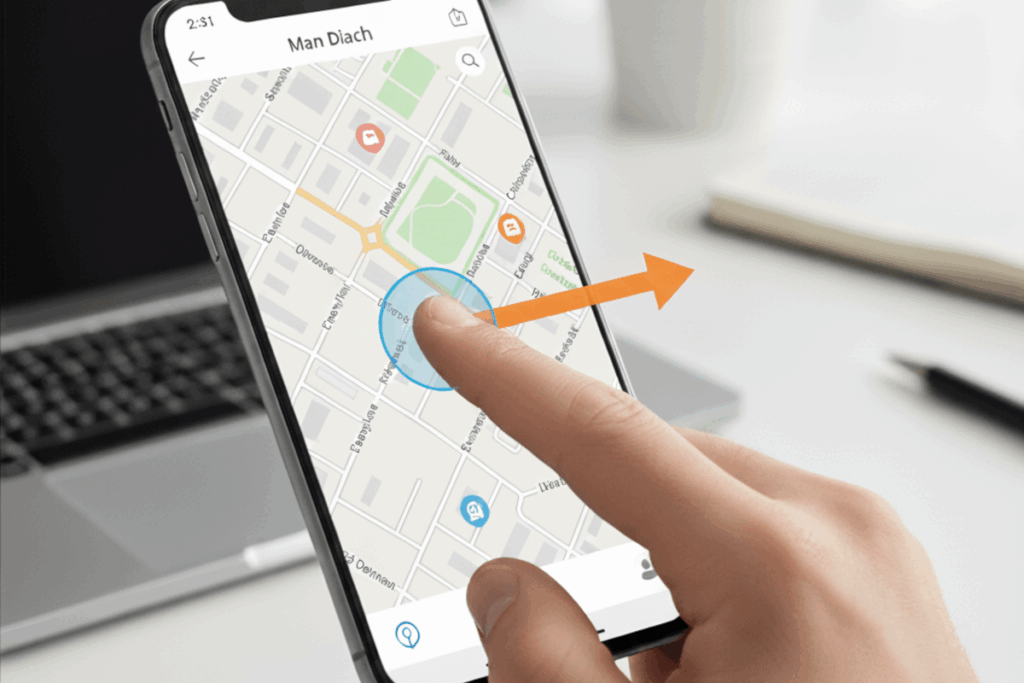
A person gesturing from the center of the mobie device screen to the right

WCAG 2.5.1 Pointer Gestures ensures that all users, including those with limited dexterity or assistive devices, can interact with digital content using simple pointer actions. A hybrid testing approach, combining automation, AI, and manual testing, creates inclusive, human-centered experiences.

Read more about Testing Methods: Pointer Gestures

Testing Methods: Focus Appearance

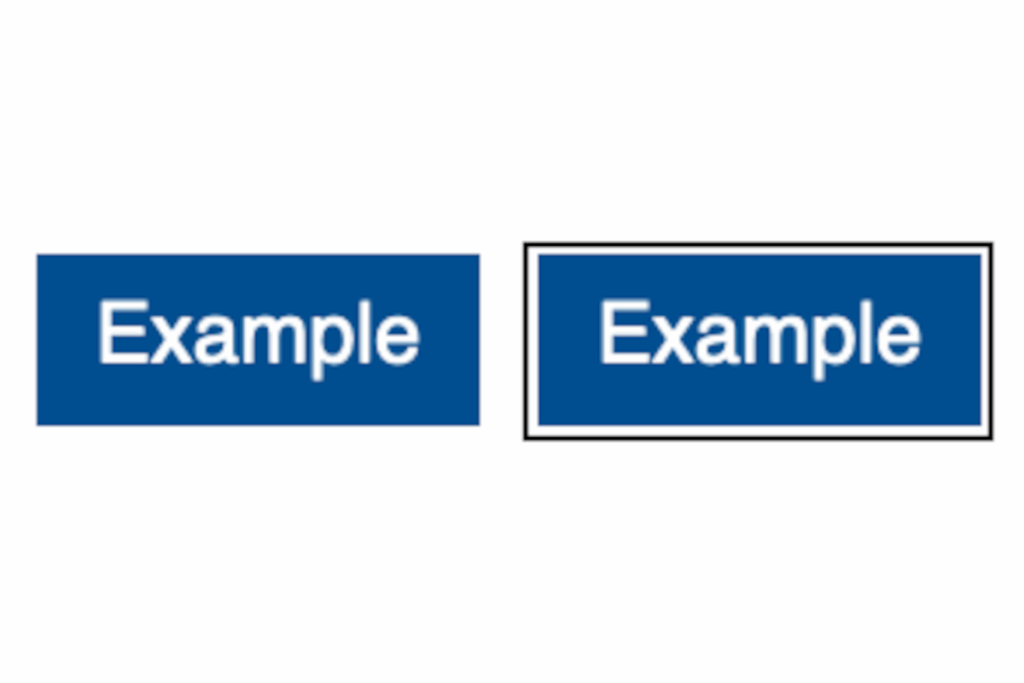
Two blue buttons, with text. The one button with focus has a solid 2px thick outline

WCAG 2.4.13 Focus Appearance ensures users can clearly perceive keyboard focus. A hybrid testing approach, combining automated, AI-based, and manual methods, delivers scalable, nuanced, and human-centered validation, enhancing usability for all users, including those with visual or motor impairments.

Read more about Testing Methods: Focus Appearance

Testing Methods: Location

Breadcrumb navigation highlighted on the screen

WCAG 2.4.8 Location ensures users can always understand where they are within a digital experience. By combining automated, AI-based, and manual testing, organizations can deliver clear navigation, consistent hierarchy, and a user-centered design that fosters confidence and orientation.

Read more about Testing Methods: Location

Testing Methods: Focus Visible

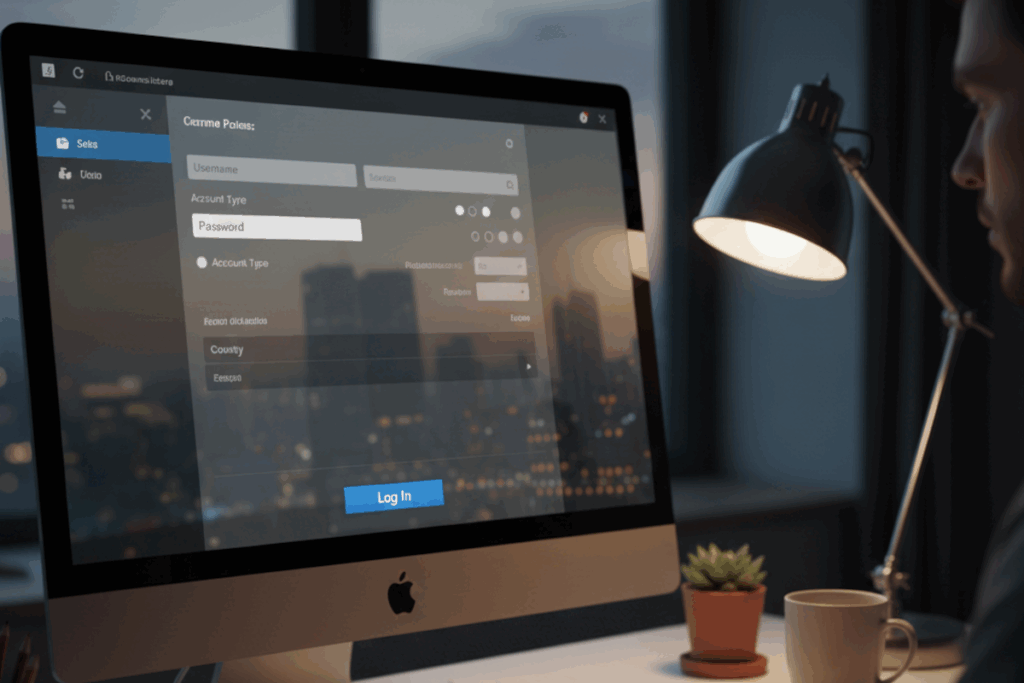
A computer monitor with a focus ring on a blue Log In button

A visible focus indicator is essential for accessible navigation. Combining automated, AI-based, and manual testing ensures focus states are perceivable, consistent, and user-centered, transforming WCAG 2.4.7 compliance into a hallmark of inclusive, high-quality design.

Read more about Testing Methods: Focus Visible

Testing Methods: Multiple Ways

Multiple paths all converging on a accessibility icon in the center

WCAG 2.4.5 Multiple Ways ensures users can access content through multiple navigation paths. A hybrid testing approach, combining automated, AI, and manual methods, provides a thorough, user-centered evaluation, enhancing accessibility, usability, and inclusivity across websites.

Read more about Testing Methods: Multiple Ways

Testing Methods: Focus Order

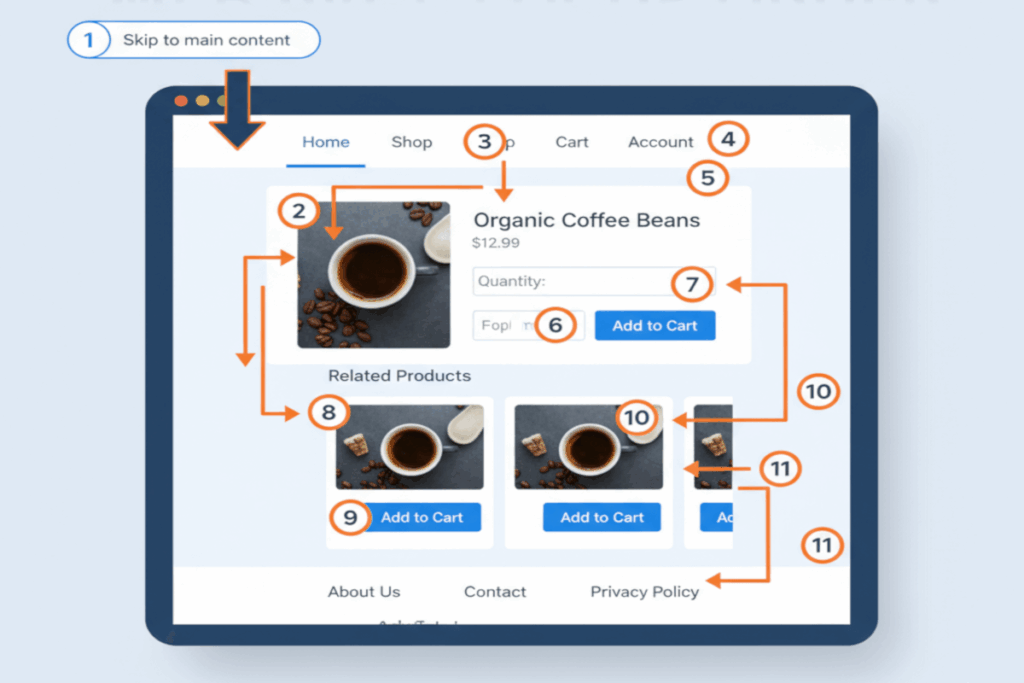
A web page with numbered focus stops

WCAG 2.4.3 Focus Order ensures keyboard users can navigate web content in a logical, predictable sequence. Combining automated, AI-based, and manual testing delivers both compliance and a smooth, intuitive experience that supports accessibility for all users.

Read more about Testing Methods: Focus Order

Testing Methods: Page Titled

A browser with the browser tab presenting the web page's page title highlighted

WCAG 2.4.2 Page Titled ensures every page has a clear, descriptive title to support accessibility and usability. A hybrid testing approach, combining automated, AI-based, and manual review, ensures titles exist, are meaningful, consistent, and enhance navigation for all users.

Read more about Testing Methods: Page Titled